
🛠️
mina SHOP (Animated Overlays & Frame Sets)
Stream AssetsAnimated OverlayFrame SetAnimated AssetsBOOTHJapanese-Style
✨ What You Can Do with This Tool
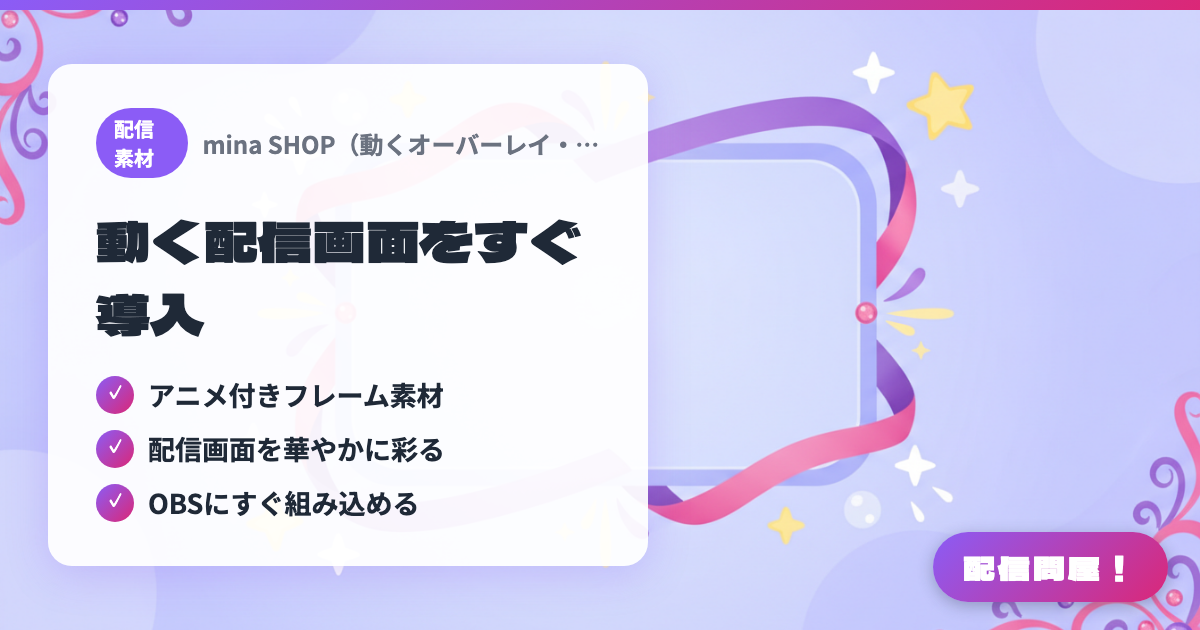
- ✓ Animated frame assets
- ✓ Add flair to your stream layout
- ✓ Drops right into OBS
🖼️ Screenshots
📖 What is mina SHOP (Animated Overlays & Frame Sets)?
A BOOTH shop specializing in animated stream overlays. Offers frame sets in Japanese-style designs with plenty of color variations. Just layer them in OBS to use—supports looping assets and transparent PNGs. Several free items are also available.
💡 When to Use It
Use it when you want to add an "animated frame (overlay)" to your OBS stream layout. It gives a more polished, dynamic impression than a static frame. Since it works simply by looping playback through OBS's Media Source feature, it's approachable even for beginners who find setup intimidating.
📋 Basic Info
| Developer | MinaSaku |
| Last Updated | Apr 2026 |
🚀 How to Use
- Open minasaku.booth.pm and download the animated overlay you want (free items are available for ¥0).
- Unzip the downloaded file and confirm it contains a video file (.mp4 or .webm) or a GIF file.
- In OBS, add "+" → "Media Source" to your scene and select the extracted video file. Check "Loop" when adding it, and your animated overlay is ready.
🎬 Tutorial Video
🎉 Highlights & Comments
What do you love about this tool?
✏️ Leave a comment (optional, up to 200 characters)
0/200
👤 Creator
🎨
MinaSaku
minasaku.booth.pm →