
🛠️
OBS Must-Have Shader Pack — おしるこテクノロジー
BoothOBS PluginOBS IntegrationStreamFXShadersEffectsFreeWindowsFree
✨ What You Can Do with This Tool
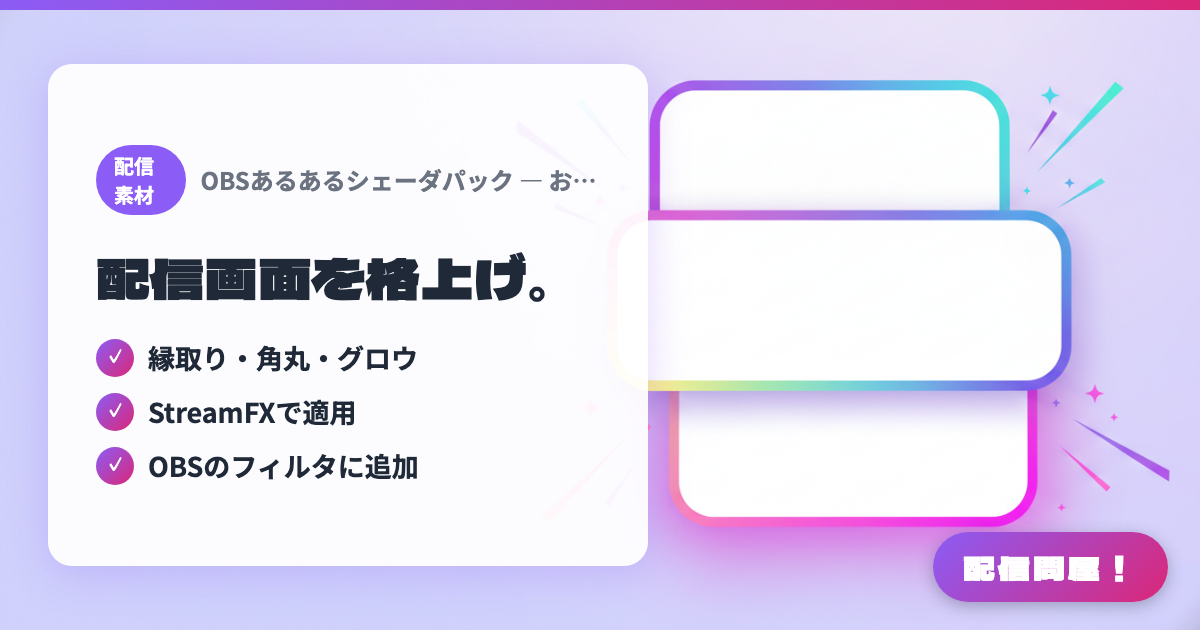
- ✓ 縁取り・角丸・グロウ
- ✓ StreamFXで適用
- ✓ OBSのフィルタに追加
🖼️ Screenshots
📖 What is OBS Must-Have Shader Pack — おしるこテクノロジー?
A pack of StreamFX shaders sold on BOOTH for jazzing up your stream visuals — outlines, rounded corners, drop shadows, glow, and more. Just apply them as an OBS filter to add high-quality visual effects, making it a favorite for anyone who wants to take their stream screen up a notch.
💡 When to Use It
Great for taking your stream visuals up a level. You can apply shaders like outlines, rounded corners, and glow as OBS filters — ideal for anyone who wants to add high-quality visual effects.
📋 Basic Info
| Price | Free |
| Last Updated | Apr 2026 |
🚀 How to Use
- Step 1: Purchase and download the shader pack on BOOTH
- Step 2: Install StreamFX (the shader-compatible plugin) in OBS
- Step 3: Load the shader into the filter of the source you want to enhance and apply it
- Step 4: Adjust the parameters to finish off effects like outlines and glow
🎬 Tutorial Video
🎉 Highlights & Comments
What do you love about this tool?
✏️ Leave a comment (optional, up to 200 characters)
0/200