
OKUMONO
✨ What You Can Do with This Tool
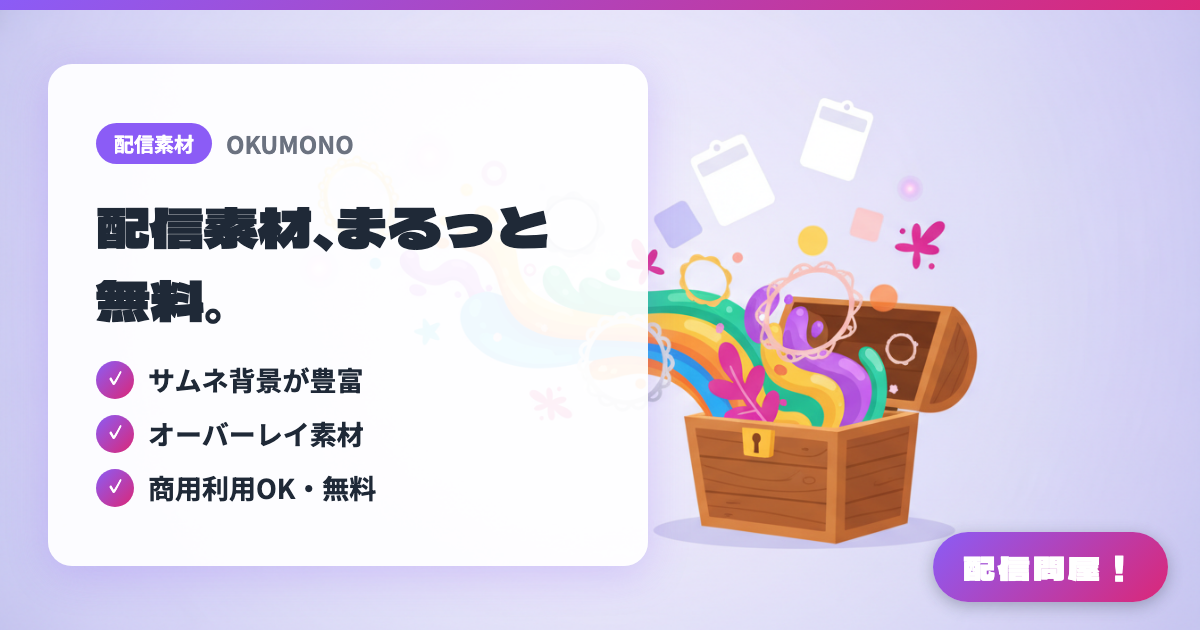
- ✓ Plenty of thumbnail backgrounds
- ✓ Overlay assets included
- ✓ Free and commercial-use OK
🖼️ Screenshots
📖 What is OKUMONO?
A Japanese site distributing free assets for stream screens and thumbnails. Thousands of pieces are organized by format — backgrounds, patterns, landscapes, frames, text, parts, stream parts, vertical formats, and templates — and you can also browse by mood or season, like "cute," "cool," or "horror." Commercial use is allowed for both individuals and businesses, with no credit or usage report required, and free editing such as recoloring or cropping. However, redistributing or reselling the assets themselves, selling merchandise built primarily around the assets, and using them for AI training are all prohibited.
💡 When to Use It
Use this when your "Starting Soon" screen or thumbnail background is stuck as plain black. For a gaming stream, you could layer a frame asset over a dark background and fit your gameplay inside it; for a chatting stream, you could decorate your chat area with a pastel background and speech-bubble parts — you can mix and match to suit each stream. Since no credit or usage report is needed, it's also great for anyone who wants to churn out thumbnails for every stream.
📋 Basic Info
| Price | Free |
| Supported OS | ブラウザ(OS不問) |
| Last Updated | Jul 2026 |
🚀 How to Use
- Step 1: On OKUMONO (sozaino.site), browse by format — "Backgrounds," "Frames," "Stream Parts," and more — or by mood tags like "cute" or "cool"
- Step 2: Download the image from the asset page (no account or usage report required)
- Step 3: Check the terms of use (sozaino.site/kiyaku) to confirm that redistribution, resale, merchandise, and use for AI training are prohibited
- Step 4: Adjust the color and size in Canva or an image editor, and add text or your character art to finish the thumbnail or stream screen
- Step 5: Add the finished image as an Image Source in OBS and place it as your starting-soon screen background or as a frame for your gameplay
🎬 Tutorial Video
🎉 Highlights & Comments
What do you love about this tool?
✏️ Leave a comment (optional, up to 200 characters)
0/200